
You can supplement the start interface with personal quick panels.
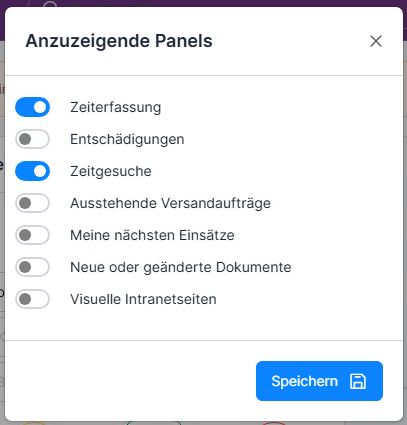
Click on the Plus button interface and select the panels to be displayed.
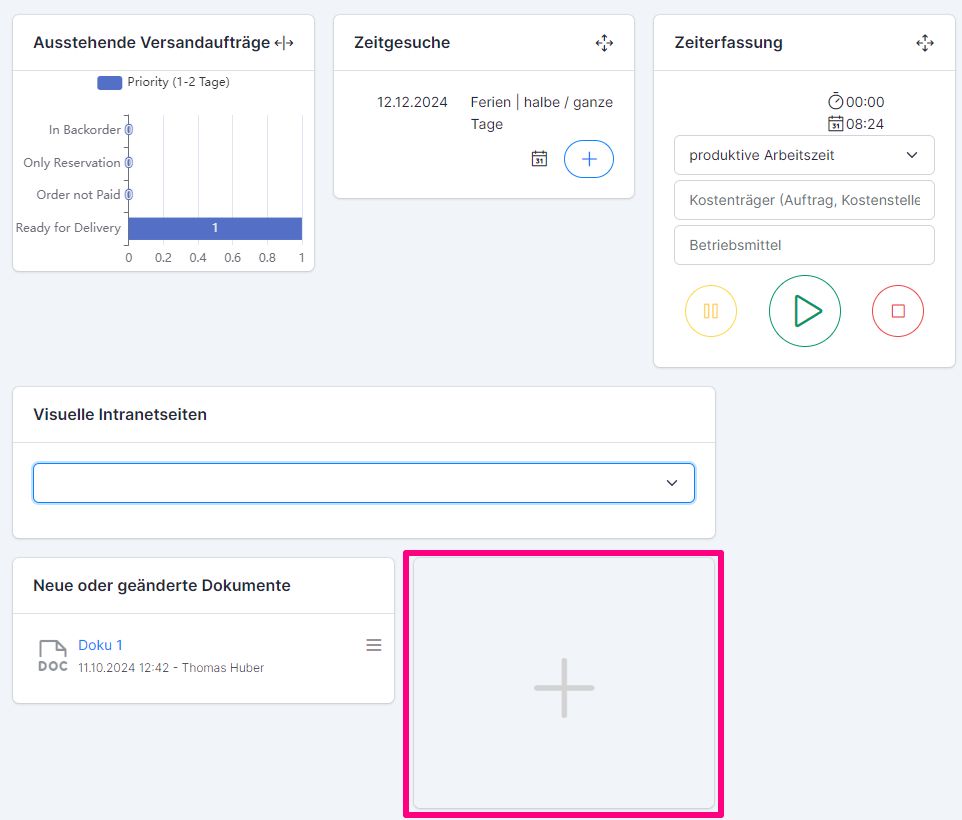
The Pending shipping orders panel can be expanded to cover the entire screen: to do this, click on the 2-arrow icon.
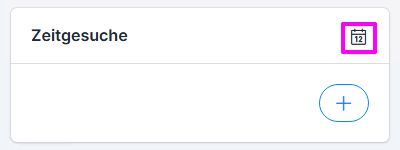
The calendar button on the Time Request panelopens the absence calendar.
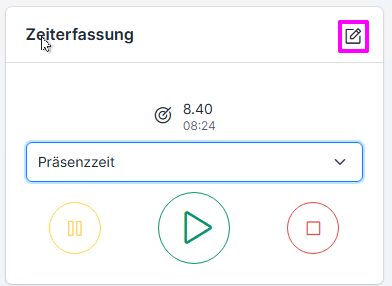
The pen button opens the immediate time tracking / compensation entry screen.
Please note that the user panels can also be specified by system administrators (via permission roles). The panels specified by the administrator “override” the panels you have selected.
You can find out how to use the quick panels to record time and create requests in the following instructions: Time recording and time requests via quick panels (ems Web)