
Approved time requests can be canceled by the administrator. However, this is only possible if the entry period has not yet ended and the data does not contain an approval (from a supervisor or employee). Otherwise, before canceling the time request, you must first set the entry period and then remove the approval (Option 4 in the “Withdrawing an Approval” guide).
Cancel Time Request #
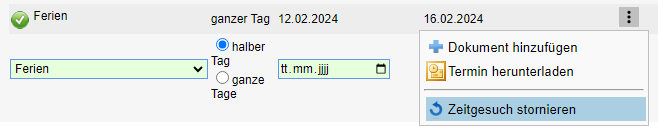
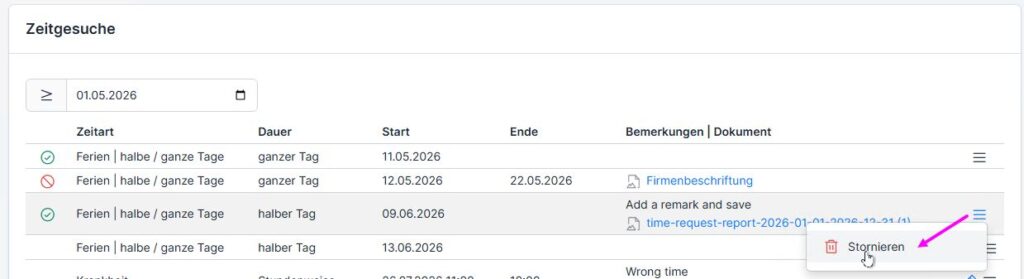
Go to the employee’s time tracking and then to the “Time Requests” tab (1). In the list of time requests, you can cancel approved time requests (2): click the three-dot menu and select “Cancel Time Request” from the submenu.


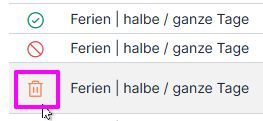
If no error message appears that prevents the cancellation, the entry will then appear as canceled (with the “trash can” icon) and can no longer be modified.

Cancel a time request at the end of the month #
If the time request is close to the 2-month limit and the first month has already ended (September in the screenshot), the report visa must first be revoked in order to cancel the request. Otherwise, the ” Cancel Time Request ” option will not appear.
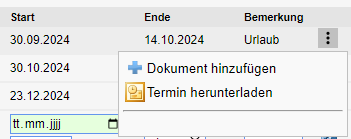
The process for visa revocation is described in the Visa Revocation Guide. If the data entry period has already changed to the next one (October in the example), the period must first be changed: this is described in Option 4.